
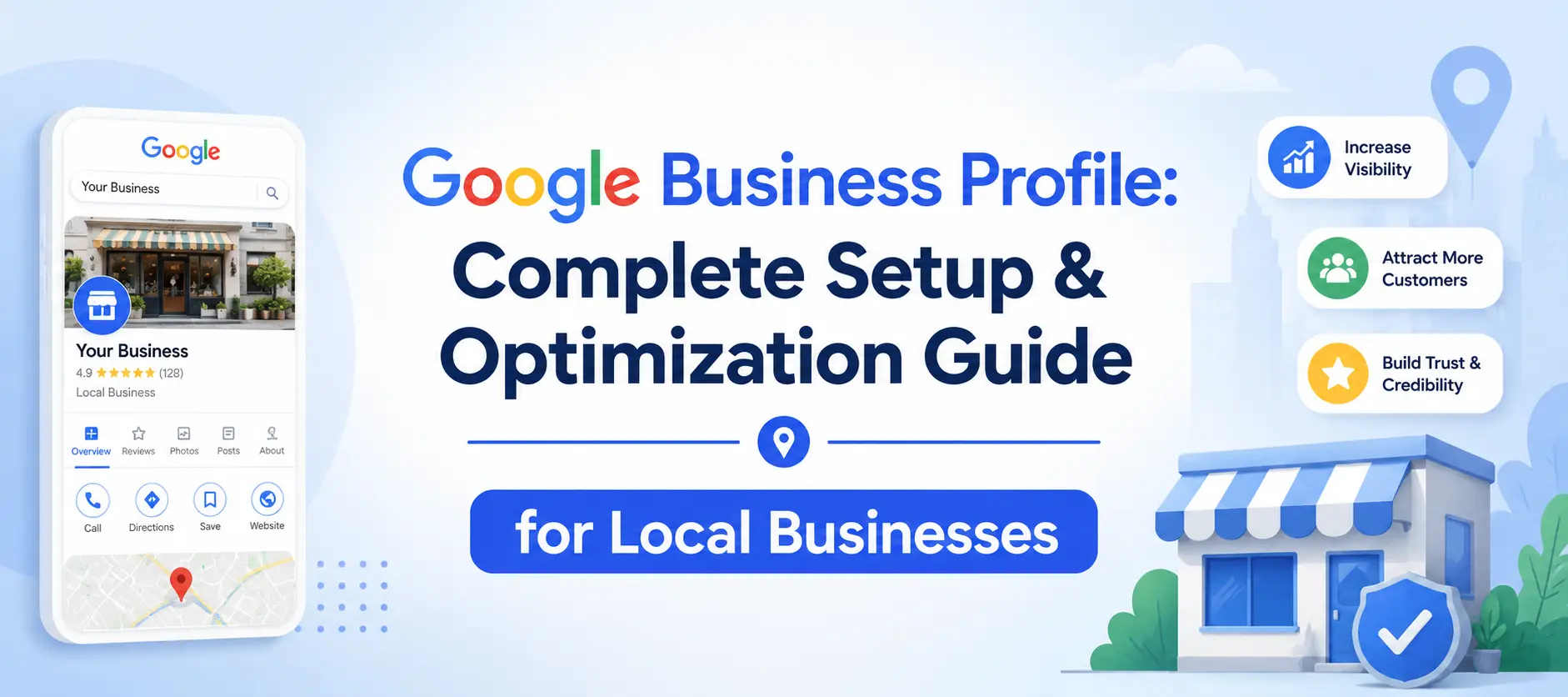
Most business owners know they need a Google Business Profile, but few realize the difference between a bare-bones listing and a fully optimized one. Recent research shows that complete Google Business Profiles have 70% more engagement through clicks and interactions. Yet only 35% of small businesses have even claimed their profile.
In this guide, you’ll discover everything you need to know from the initial setup to advanced optimization strategies that drive real customers to your door. Whether you’re a brick-and-mortar store, a service-area business, or a hybrid model, this comprehensive resource will help you dominate local search results in 2026.
What Is Google Business Profile?
A Google Business Profile (GBP) formerly known as Google My Business (GMB) is a free tool that lets you manage how your business appears on Google Search and Maps. When someone searches for “coffee shop near me” or “plumber in Denver,” Google displays local businesses in the Local Pack the map section with three business listings at the top of search results. Your profile is what appears in those results.
Your Google Business Profile includes:
– Business name, address, and phone number (NAP)
– Operating hours (including special holiday hours)
– Business category and description
– Customer reviews and your responses
– Photos and videos you upload
– Posts (offers, events, updates)
– Q&A section where customers ask questions publicly
– Messaging capabilities for direct customer chats
In November 2021, Google rebranded “Google My Business” to “Google Business Profile“. The name change signaled a shift in how you manage your profile—instead of requiring a separate dashboard, Google moved most management functions directly into Google Search and Maps.
Why Your Business Absolutely Needs a GBP in 2026
Key Takeaways:
– 76% of people who search for something nearby visit a business within 24 hours
– Nearly half (46%) of Google searches are local
– 78% of local mobile searches lead to in-store purchases
– A complete profile makes customers 2.7x more likely to view your business as credible and 70% more likely to visit
– 86% of Google Business Profile views come from category-based searches
Your GBP serves as your digital storefront—often the first and only interaction a customer has with your brand. Google prioritizes complete and accurate profiles in local rankings, and three factors help determine your local ranking: relevance, distance, and popularity.
Important Fact: According to a 2025 study, 83% of respondents read Google reviews of local businesses before deciding where to shop. Your review quantity, quality (star rating), and response rate are critical ranking factors.
Step-by-Step Setup Guide
Ready to start? Open Google Business Profile in a new tab and follow along with Step 1.
Step 1: Create Your Google Account
If you don’t already have one, create a Google Account using your business email (e.g., name@yourbusiness.com). This keeps things professional and ensures everything stays organized.
Step 2: Sign Up for Business Profile
Go to the Google Business Profile setup page. Enter your exact business name—make sure it matches what’s displayed on your storefront, business cards, and invoices. Avoid including marketing phrases, special characters, or store codes unless they’re part of your official brand name.
Step 3: Select Your Business Category
Choose a primary category that best describes what your business is, not what it offers. For instance, if you own a golf resort, pick “Golf Resort” rather than “Swimming Pool”. The more accurate your category, the better Google can connect your business to relevant searches.
As of March 2025, Google offers over 4,000 categories. You can select one primary category and up to nine secondary categories. Your primary category is especially important, it helps Google understand what your business offers and affects which searches you appear for.
Step 4: Add Your Location
For physical storefronts: Provide your full street address. P.O. boxes and virtual offices don’t meet Google’s criteria.
For service-area businesses (plumbers, electricians, cleaners who travel to customers): Skip listing a physical address and instead define your service areas by city or postal code. You can list up to 20 service areas, ideally covering regions within about a two-hour drive.
For home-based businesses: Hide your address to comply with Google’s rules.
For hybrid businesses: If customers both come to you and you go to them, choose a hybrid setup.
Step 5: Add Contact Information
Include your phone number and website URL. Use a local phone number that connects directly to your business.
Step 6: Complete Your Profile Information
Fill out every relevant field—hours of operation, accepted forms of payment, services, products, and a well-written business description. As SEO consultant Geoff Kenyon explains, “Google wants to give users the best experience possible; in most circumstances the user will have a better experience if there is more information present”.
Step 7: Verify Your Profile
Verification is essential—without it, your business won’t appear on Google Search or Maps. Google determines the verification method for you based on your business type, location, and available public data.
Common verification methods include:
| Verification Type | Process Details |
|---|---|
| Postcard verification | Google mails a 5-digit code to your business address. |
| Phone verification | Receive a verification code via call or SMS. |
| Video verification: | Verify your business by submitting a short video. |
| Instant verification | Available for businesses already verified in Google Search Console. |
| Bulk verification | Verify multiple locations through a single process.(for businesses with 10+ locations) |
| Email verification | Receive a verification code or link via email. |
Stuck on video verification? We handle the entire verification process for you. Book a 15-minute ‘Verification Rescue’ call.
Optimization Checklist
1. Master the Basics
✅ Business name: Exactly as it appears on your storefront. No keyword stuffing. Including unnecessary information isn’t permitted and could result in suspension.
✅ Address: Precise and consistent with your website and other directories.
✅ Phone number: Local number that connects directly to your business.
✅ Website URL: Link to a fast, mobile-friendly, locally-optimized landing page.
✅ Hours: Regular hours, holiday hours, and special hours for events.
✅ Primary category: The most accurate description of your main offering.
✅ Secondary categories: Up to nine additional relevant categories.
Critical: Your Business Name, Address, and Phone Number (NAP) must be identical across your GBP, your website, and all other online directories (like Yelp or Foursquare). Inconsistency is the fastest way to confuse Google and lose rankings.
2. Write a Compelling Business Description
Your description should be keyword-rich and informative. Include what you do, what makes you unique, and keywords customers might search for. Keep it natural—write for humans first.
3. Add High-Quality Photos and Videos
Businesses with photos get more engagement. Upload at least 10 photos—storefront, interior, products, and team. Use real photos, not stock images. Then shoot a short video: a store tour, a product demo, or a simple introduction from the owner. A minute or less is fine.
Types of visuals to include:
– Exterior photos (so customers can find you)
– Interior photos (so customers know what to expect)
– Product photos
– Team photos
– Videos (store tours, product demos, owner introductions)
4. Choose Proper Attributes
Attributes are specific features that describe your business like “wheelchair accessible,” “free Wi-Fi,” “outdoor seating,” or “women-led.” Fill out all relevant attributes to help customers find businesses that meet their specific needs.
5. Add Products and Services
Service-based businesses can create “products” showcasing their different service packages. Add compelling descriptions, eye-catching photos, and price ranges. Only 39% of businesses utilize the Services & Products section correctly—this is a major opportunity to stand out.
6. Use Google Posts
Post weekly updates via Google Posts to keep your profile active. Google rewards active profiles—a “set it and forget it” approach fails. Post types include:
– Offer Posts: drive customer traffic with special deals
– Event Posts: create a sense of urgency
– Product Posts: showcase new offerings
– Update Posts: share announcements and news
7. Engage with the Q&A Section
Think about the top 5-10 questions prospects always ask, then create a Q&A section that addresses these before they even have to ask. Fewer than 25% of businesses engage with their Q&A section—even though doing so can lead to 22% higher engagement.
8. Enable Messaging
Turn on messaging to allow customers to chat with you directly from your profile. Respond promptly this builds trust and can convert searchers into customers.
9. Respond to All Reviews
Respond to both positive and negative reviews. This shows you care about customer feedback and improves your local SEO. Your review response rate is a ranking factor.
Advanced Optimization Strategies
Leverage Google Business Profile Insights
GBP Insights reveal how customers find and engage with your business online. You can see:
– How customers find your business (search vs. maps)
– What keywords they use
– How they engage with your profile (website clicks, direction requests, phone calls)
According to Birdeye’s State of Google Business Profile 2025 report, about 48% of interactions are website clicks, 34% are direction requests, and 17% are phone calls.
Connect to Google Analytics 4 (GA4)
In June 2026, Google announced that GBP can now connect directly to Google Analytics 4 (GA4). This integration gives you deeper insights into how your profile drives website traffic and conversions.
Use Gemini as Your AI Assistant
Also rolling out in June 2026, you can now connect your GBP to Gemini, making it your “AI assistant“. With this integration, you can:
Turn insights into action: Ask “how did my business do this month?” and Gemini analyzes search impressions, direction requests, call data, and customer engagement
Seamless review management: Ask “help me respond to my latest review” and Gemini drafts a tailored response in your brand’s voice
Real-time profile updates: Ask Gemini to update operating hours, post seasonal updates, or identify gaps in your profile
Business notebooks: Organize information from your GBP and website, get proactive alerts, and receive tailored recommendations
Use Industry-Specific Playbooks
Google introduced 2026 playbooks for industry-specific local SEO, giving businesses more precise guidance on how to optimize their local presence, increase engagement, and drive conversions. These playbooks emphasize consistent content updates that signal relevance to both users and Google.
Common Mistakes to Avoid
Mistake 1: Treating GBP as a One-Time Setup
Most businesses treat Google Business Profile like a one-time setup and that’s why they fail to appear in the Local 3-Pack. Google rewards active profiles. Consistently add new photos, post weekly updates, and respond to reviews.
Mistake 2: Keyword Stuffing Your Business Name
Including unnecessary information in your business name isn’t permitted and could result in suspension. Use your official business name only.
Mistake 3: Not Asking for Reviews
Get more reviews. Reviews build trust. Ask weekly text clients, email customers. A healthy number of positive reviews and a solid star rating instantly builds trust.
Mistake 4: Inconsistent NAP Information
If your business license shows “ABC Services LLC” but your profile says “ABC Plumbing & Heating,” that mismatch could cause verification issues. Keep your name, address, and phone number identical everywhere.
Mistake 5: Ignoring the Q&A Section
Fewer than 25% of businesses engage with their Q&A section. This is a missed opportunity to address customer concerns and improve engagement.
Mistake 6: Immediate Major Edits After Verification
Changing your business name and primary category is considered a **major edit** and can lead to profile re-verification or even suspension. Make major changes carefully and be prepared for potential delays.
Mistake 7: Using Fake or Stock Photos
Use real photos of your actual business, not stock images. Real photos build trust and help customers recognize your location.
Mistake 8: Not Having a Website
If your business lacks a website, online listings, or visible customer activity, Google might treat it as unverified or suspicious.
Get Your Free GBP Visibility Score. See exactly where you rank in the Local Pack and what’s missing from your profile.
Understanding Local Ranking Factors
Google’s local algorithm considers three primary factors:
Relevance: How well your profile matches the search query. Choose accurate categories, use relevant keywords in description, add products/services.
Distance: How far your business is from the searcher, Can’t change your location but you can define accurate service areas.
Prominence: How well-known your business is, Reviews, ratings, engagement, and citations.
Additional ranking factors include:
– Review count and keywords in reviews—most important for gaining top spots
– Consistency of new reviews—regular review activity signals an active business
– Engagement—responding to reviews, posting updates, adding photos
– Website quality—your linked page should have optimized titles, meta descriptions, H1 tags, and structured content
Important: Rankings fluctuate based on user location, time of search, and competitor activity. Factors such as proximity, account activity, fresh reviews, and competitor improvements have greater impact.
Want to see exactly how your relevance, distance, and prominence stack up against competitors?
Service-Area Business Setup
If you don’t have a physical storefront where customers visit, set up as a service-area business:
1. Skip listing a physical address or hide it if you work from home
2. Define realistic service areas enter cities, counties, or postal codes you serve
3. Limit to about 2 hours driving time from where your business is based
4. List up to 20 service areas
Critical: If you work from home, make sure to hide your address to comply with Google's rules.Handling Suspensions
If your profile gets suspended:
1. Identify the reason—common causes include inaccurate business name, address mismatch, or policy violations
2. Prepare documents—upload clear documents showing your business name and address exactly as on your profile (license, utility bill, tax certificate, or lease)
3. Submit an appeal—use the Google Business Profile appeals tool
4. Be patient—even after reinstatement, your profile may take several weeks to regain visibility
Warning: Never hand your GBP management off to just anyone—especially someone from Fiverr or Craigslist. Suspicious activity from unverified managers can trigger suspensions.Key Takeaways
1. Claim and verify your profile—without verification, you’re invisible on Google
2. Complete every field—complete profiles have 70% more engagement
3. Choose the right primary category—be specific about what your business is
4. Keep NAP consistent—name, address, and phone number must match everywhere
5. Add real photos and videos—at least 10 photos, plus a short video
6. Post weekly updates—active profiles rank higher
7. Respond to all reviews—builds trust and improves rankings
8. Engage with Q&A—fewer than 25% of businesses do this
9. Leverage new features—GA4 and Gemini integration provide powerful insights
10. Monitor your Insights—understand how customers find and engage with you
Conclusion
Your Google Business Profile is no longer just a simple listing—it’s a dynamic digital storefront that often serves as the first and only interaction a customer has with your brand. In an era where 76% of local searchers visit a business within 24 hours, a well-optimized GBP isn’t just nice to have—it’s essential for survival.
Start with the basics: claim and verify your profile, complete every field, and ensure your NAP information is consistent everywhere. Then move to advanced strategies: post weekly updates, respond to every review, engage with the Q&A section, and leverage new features like GA4 integration and Gemini AI assistance.
The businesses that treat their GBP as a living, breathing asset—not a one-time setup—are the ones that win the Local Pack, attract more customers, and grow their revenue.
Ready to get started?
Claim your Google Business Profile today and take control of how your business appears to millions of potential customers.
1 Comment
The point about complete Google Business Profiles generating significantly more engagement really stands out, especially since so many small businesses still haven’t claimed their listing. One tactic that has worked well alongside profile optimization is keeping photos, business updates, and customer review responses consistently updated, as it gives potential customers more confidence before they reach out.